
How do I cast a video from a website to my TV?
From opening a website to choosing your receiver: a practical guide to your first web video cast.
Read the guide
From your first web video to the details that make it work. Practical guides for iPhone, Chromecast and AirPlay.
From opening a website to choosing your receiver: a practical guide to your first web video cast.
Read the guide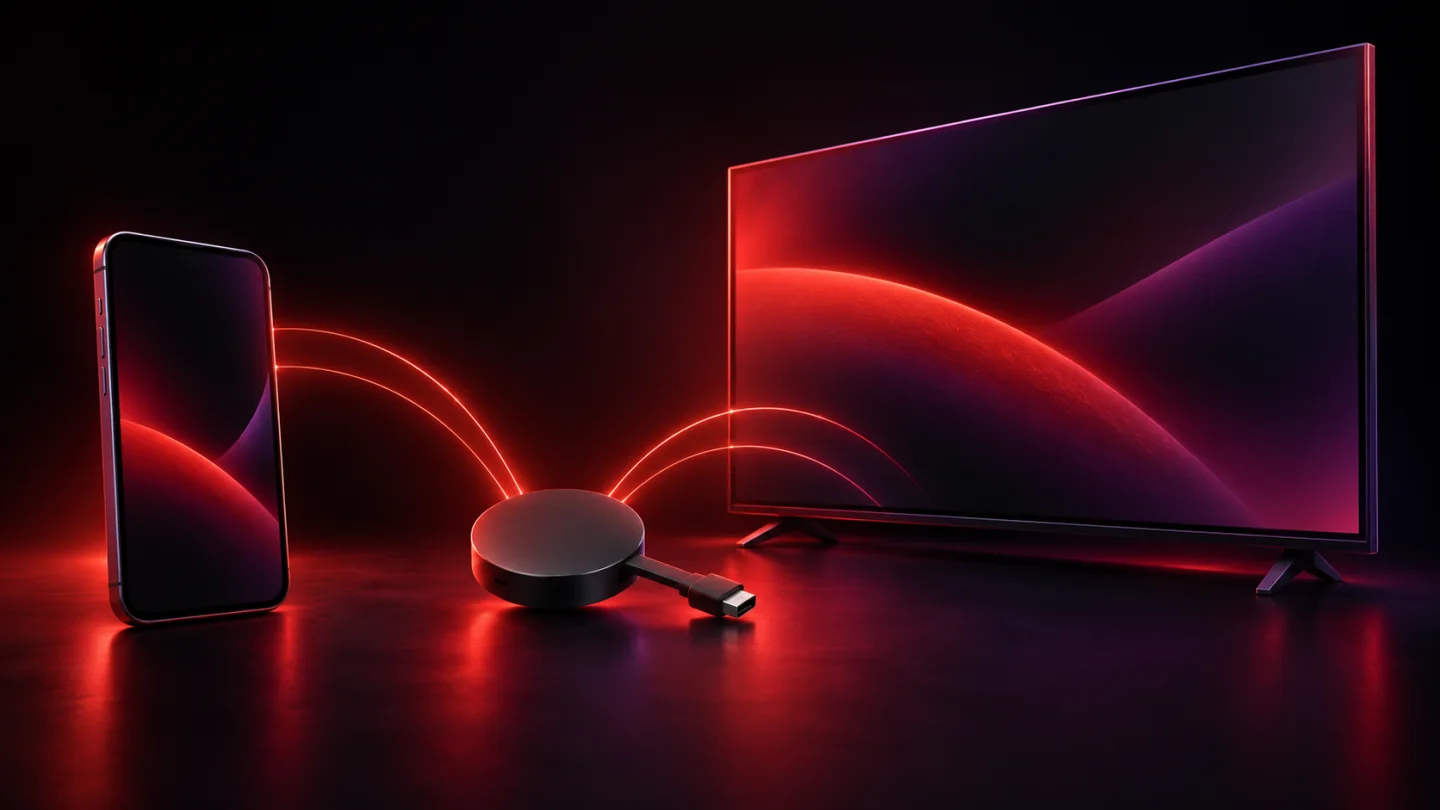
What your iPhone needs to send a compatible website video to a Chromecast or Google Cast TV.
Read the guide
Understand the difference between desktop Chrome casting, iPhone browsers and Safari’s AirPlay options.
Read the guide
A plain-language look at how page observations become video choices, without starting playback for you.
Read the guide
Separate a player that has not loaded from protected, embedded or browser-only video sources.
Read the guide
When caption tracks can travel with a video, and why subtitles visible on a website may disappear on TV.
Read the guide
A focused checklist for receiver support, Local Network permission and home Wi-Fi discovery.
Read the guide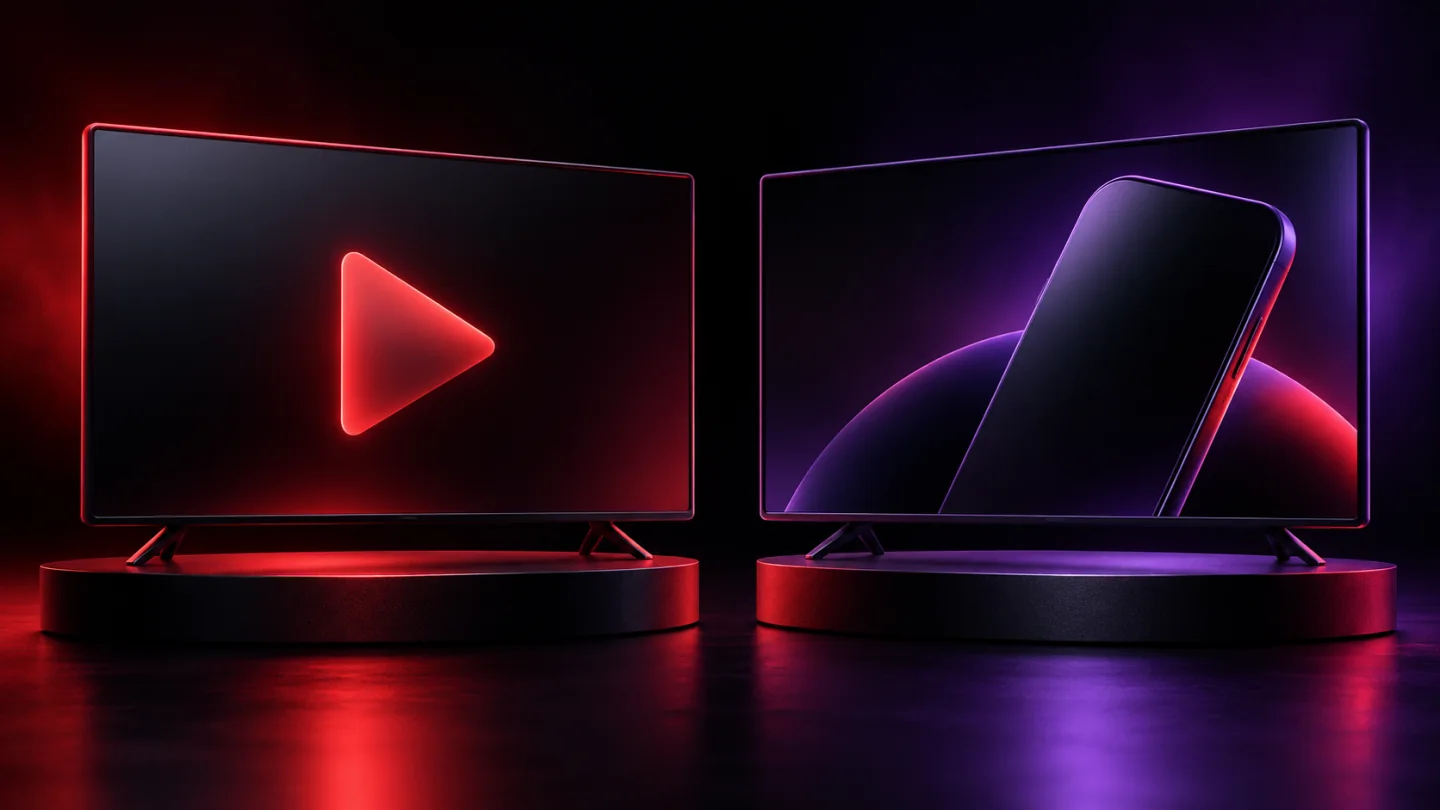
Choose between sending a video source and showing your entire iPhone screen on a television.
Read the guide
Keep the TV playing while you use your phone, then pause, skip or seek right from the iPhone lock screen.
Read the guide