What does Cinemati look for on the page?
A website can deliver video through a visible player, a source attached later, or a streaming manifest that points to related media. Cinemati’s bundled browser observers look for video and source elements, relevant media events, and available resource or response information. They do not treat every link or embedded page as a playable movie.
Some pages expose several kinds of evidence for the same video. A preview, a main feature and an advertisement can also coexist. Detection therefore needs validation and grouping before the app presents useful choices. An observation is evidence of a possible source, rather than proof that a receiver can play it.
Why do video choices appear after the page loads?
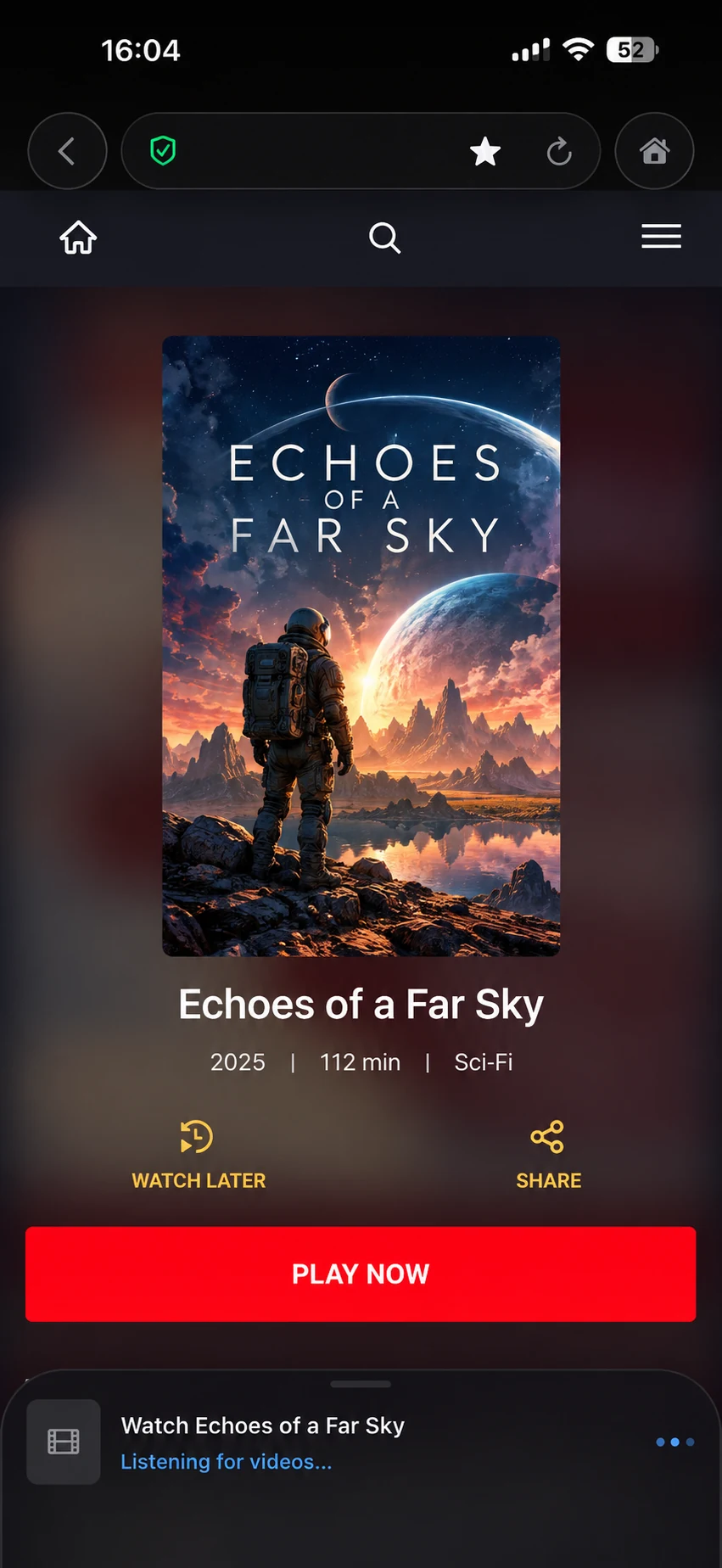
Modern websites often create their player after the initial page appears. They may wait for a consent choice, a player tap or a request to start loading. Cinemati listens for relevant changes, so discovery can continue while the page remains open instead of relying only on the first snapshot.
When a site needs your interaction, use its normal controls. A video that has not been requested or exposed by the page may have no discoverable source yet. Opening the actual watch page usually gives the app more useful evidence than staying on a homepage filled with poster images.
How do observations become a video choice?
The detection engine validates incoming observations, removes duplicates and normalizes candidates. It then groups strongly related video, audio, subtitle and manifest information when there is enough evidence that they belong together. This helps keep a single viewing choice from becoming a confusing list of unrelated fragments.
A website may still expose multiple qualities or separate versions. Review what the app offers and choose the source you intend to watch. Cinemati does not invent episode information or assume that the first source discovered is the correct feature. Its browsing, detection and playback responsibilities remain separate.
Does detection upload browsing history or start playback?
Cinemati keeps its browsing history and discovery data on your device. Detection observations are transient information used for the current browsing and playback flow. They are not a movie catalog collected by a custom extraction server. The website you open still receives its own normal page and media requests.
Finding a source does not start Cinemati’s player or send it to your TV. You explicitly choose Watch or Cast. A website’s own embedded player can behave according to that site’s settings, but Cinemati’s detection does not turn an observation into permission to start a separate playback session.
Reference: Cinemati: browsing and detection privacy
What cannot detection guarantee?
Protected video, inaccessible frame content and browser-only media can limit discovery. A source hidden from the page’s available information cannot always be recovered. Some streams are visible but rely on a playback environment that cannot be transferred to another device.
Even a valid detected address can expire or require access conditions that the receiver cannot satisfy. Treat detection as a helpful inventory of available choices. If nothing suitable appears, try the website’s normal player and review the missing-video guide; repeated scanning does not remove a site’s access restrictions.