Cast web videos to Chromecast & AirPlay


Your Cinemati library
Cinemati app icon

Found a video on a website?
Watch it on your iPhone,
or cast it to your TV.

Learn more

Coming soon to the App Store for iPhone & iPad

How it works

From website to TV.
In three steps.

  1. Step 1

    Open the website

    Go to the page where you normally watch. Cinemati lists the videos it finds as the page loads.

  2. Step 2

    Pick the video

    Select the detected video you want. Watch it right on your iPhone or iPad, or send it to your TV.

  3. Step 3

    Tap Cast

    Choose your Chromecast, Google TV or AirPlay screen, then control playback from your phone, even from the lock screen.

Features

Your watching companion.
Every screen. One app.

Browse & discover

Find videos.
Skip the searching.

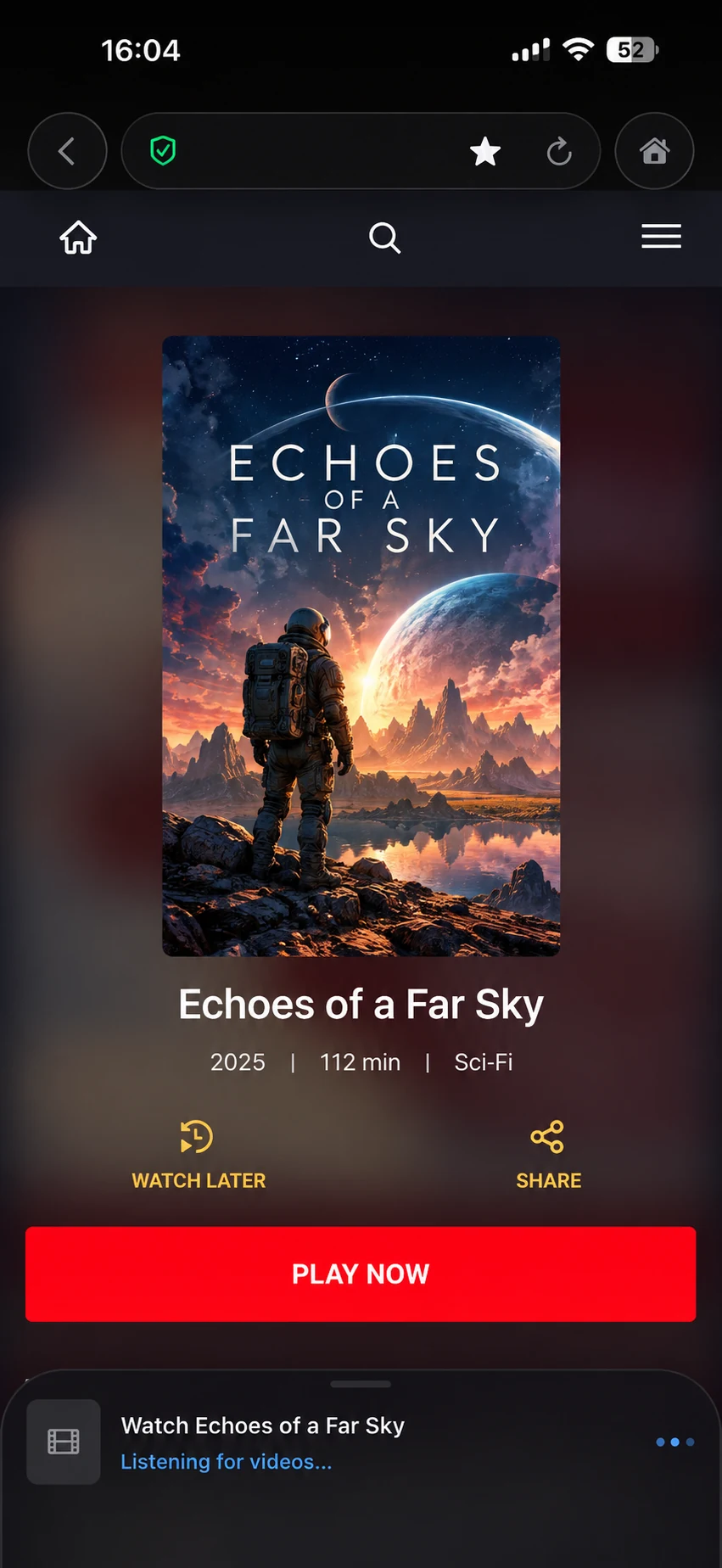
Open your favorite websites in Cinemati. Available video streams appear as you browse, ready for you to choose what to watch next.

  • Browse websites in one place
  • Discover playable video streams
  • Save the sites you come back to
Browsing a video website

Built-in player

Your videos.
Your way to watch.

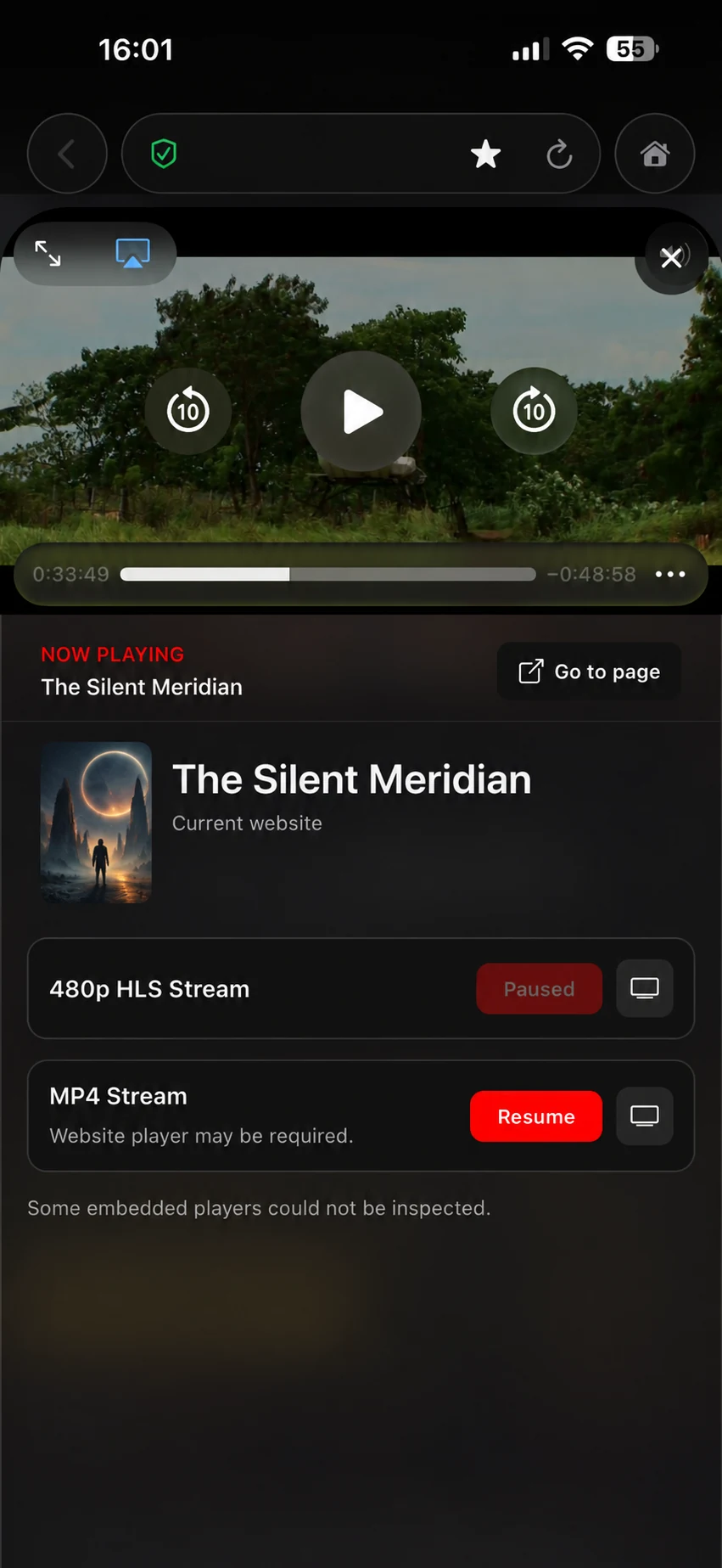
Enjoy videos right on your iPhone or iPad. Play, pause and pick up where you left off, with your favorites always close at hand.

  • Watch directly on your device
  • Keep your favorites together
  • Return to Continue Watching
The built-in video player

Made for the big screen

Small phone.
Bigger possibilities.

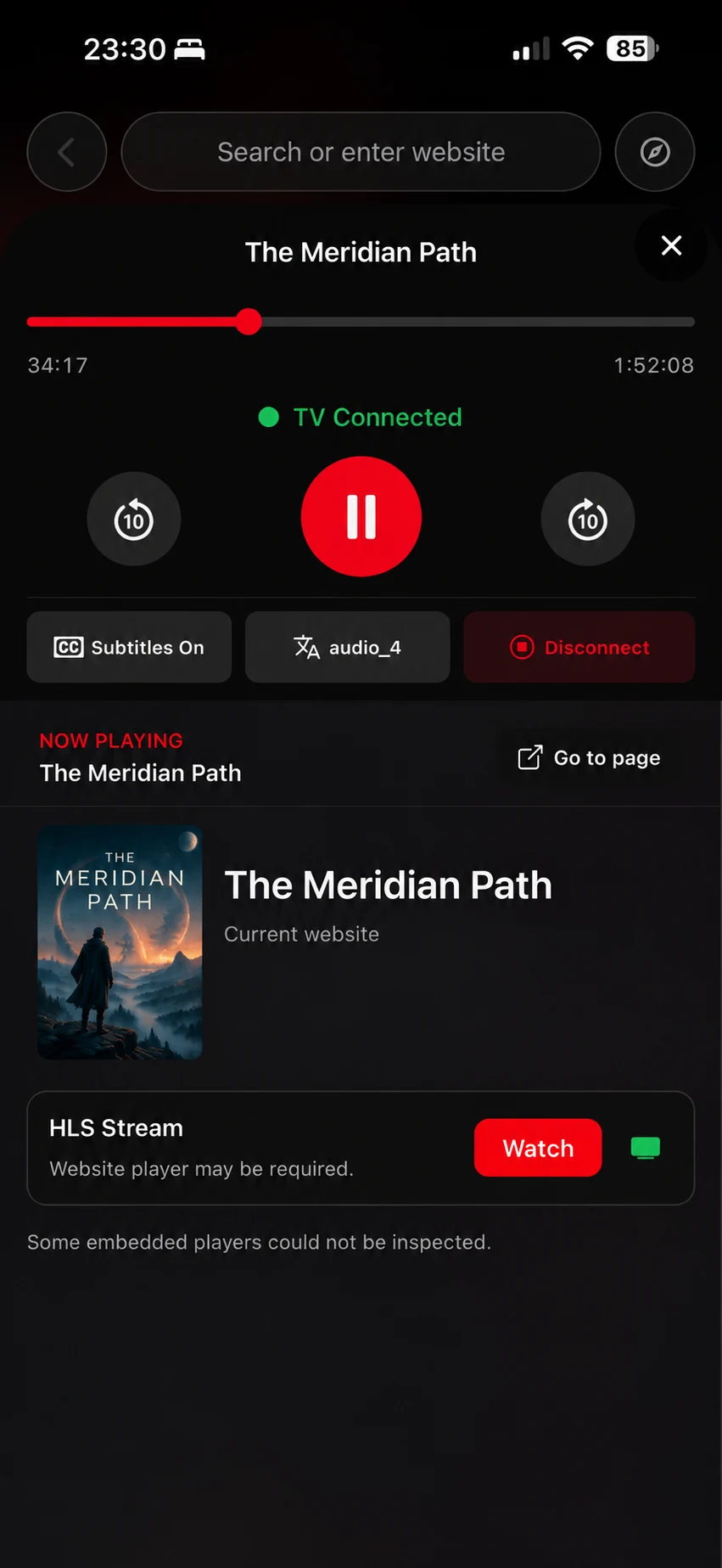
Send compatible videos to your TV with AirPlay or Chromecast. Settle in, keep browsing and control playback from your phone.

  • Apple TV & AirPlay support
  • Chromecast & Google TV support
  • Playback controls in your hand
Connected TV playback controls
A little more about Cinemati

Good questions.
Simple answers.

Discover

How does Cinemati find videos?

Browse a website in Cinemati. The app listens for available video streams and brings compatible options together for you to choose.

Favorites

Everything in one place

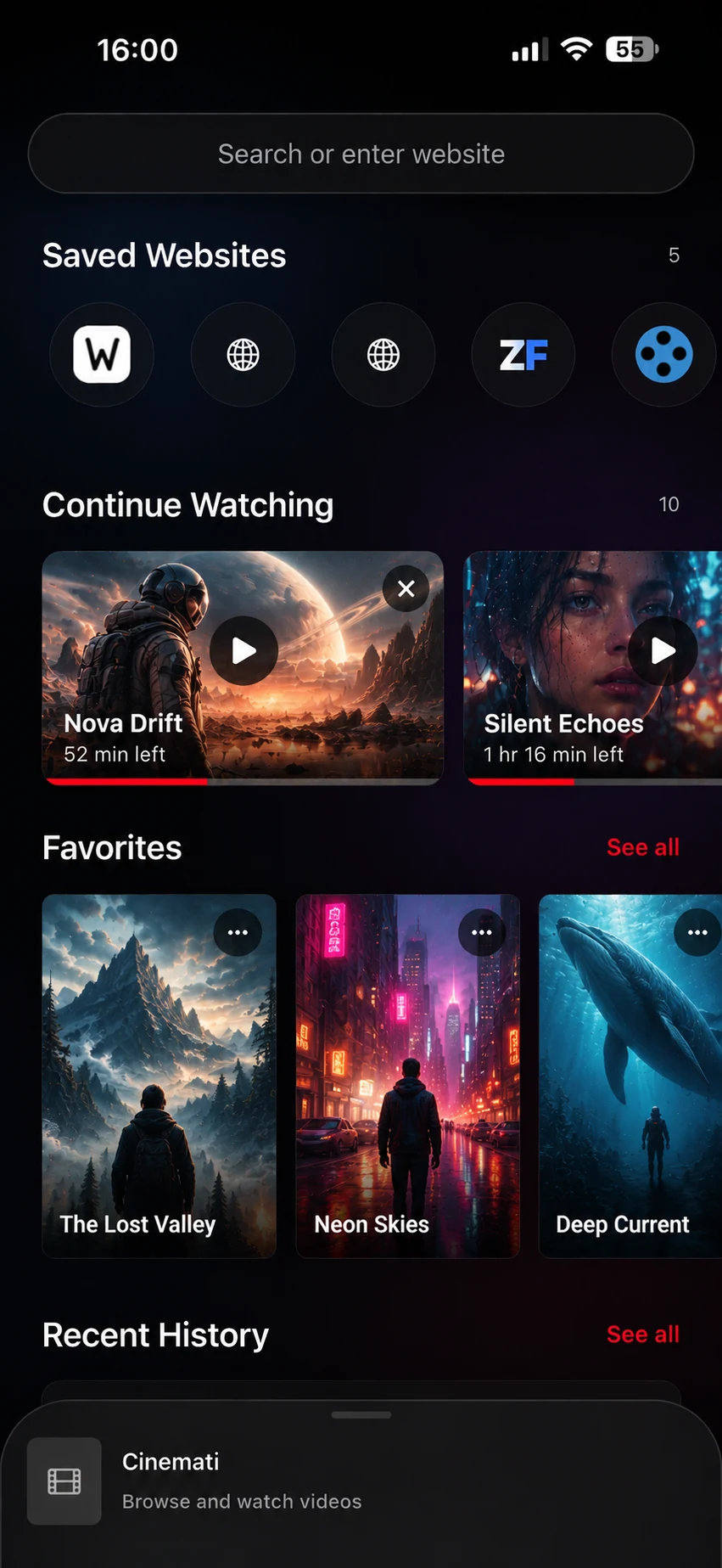
Keep your favorite websites close, revisit recent history and find your saved videos without starting your search again.

Compatibility

Does every video work?

Playback depends on the website, video format and receiver. Some embedded or protected videos require the original website player.

Cast

Which screens can I cast to?

Cinemati supports compatible AirPlay receivers, Chromecast devices and Google TV. Your phone and receiver need to be on the same Wi-Fi network.

Continue watching

Pick up where you left off

Return to a video from Continue Watching. Open its page and choose Watch or Cast when you are ready to carry on.

Your library

Does Cinemati include movies?

Cinemati is your browsing and playback companion. Websites provide the videos; Cinemati helps you discover, organize, play and cast them.

Watch

Can I watch without a TV?

Yes. Choose a compatible video and play it directly on your iPhone or iPad using the built-in player.

On your device

Do I need an account?

No account is needed. Your browsing history, favorites and saved websites stay on your device.

Your choice

Will videos play automatically?

You stay in control. Select a video and choose Watch or Cast to begin playback.

Make it yours

Your companion, your choice.
Start with Cinemati.

Cinemati

Free

Browse websites, discover videos and watch on your iPhone or iPad.

  • 3 successful casts, then cast with rewarded ads
  • Save up to 5 favorites
  • See your latest 3 Continue Watching videos
  • Free browsing and phone playback

Cinemati Pro

Pro

Monthly and yearly subscriptions. Local prices are shown in the app.

  • Unlimited AirPlay and Chromecast casting
  • Unlimited favorites
  • See all Continue Watching videos
  • No Cinemati native ads
  • Support and community access

Trusted by
100+ watchers

Your next watch starts here

Ready to watch?
Discover, play and cast
with Cinemati.

Learn more

Coming soon to the App Store for iPhone & iPad